
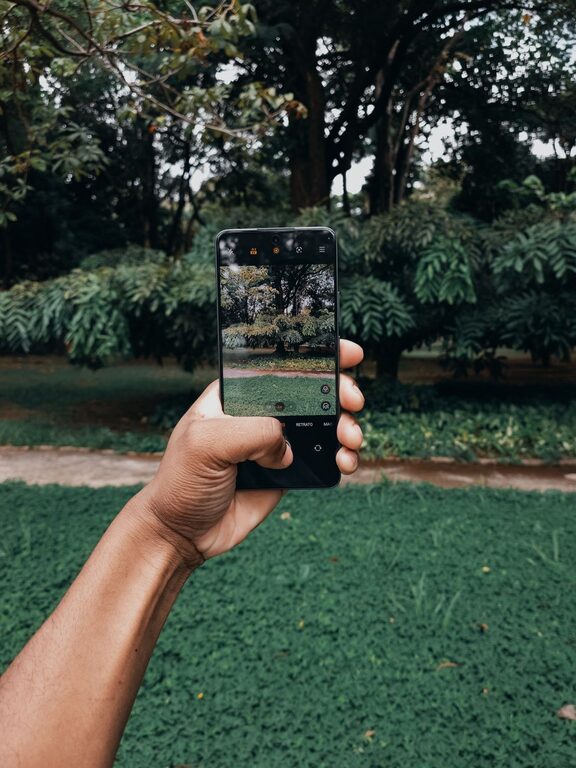
Taking great photos with your phone is easier than you might think. With a few simple tips and some practice, you can capture beautiful, clear, and compelling images that stand out. Whether you’re snapping pictures of landscapes, friends, or everyday moments, these beginner-friendly tips will help you get the most out of your phone camera.
Understand Your Phone Camera
Before diving into techniques, take some time to explore your phone’s camera features. Most smartphones come with a variety of shooting modes, settings, and tools that can enhance your photos.
– Explore different modes: Try portrait mode for sharp subject focus and blurred backgrounds or night mode for low-light shots.
– Learn manual controls: Some phones allow you to adjust ISO, shutter speed, and focus manually for more control.
– Use gridlines: Enable gridlines in your camera settings to help apply the rule of thirds and improve composition.
Focus on Lighting
Lighting is one of the most important elements of photography. Good lighting makes your subject clear and vibrant, while poor lighting can make photos look dull or grainy.
Tips for Better Lighting
– Use natural light when possible: Shoot near windows or outdoors during the golden hour — shortly after sunrise or before sunset — for soft, warm light.
– Avoid harsh midday sun: Direct sunlight can cause harsh shadows and overexposed spots; if shooting in bright light, look for shaded areas.
– Experiment with backlighting: Placing the light source behind your subject can create dramatic silhouettes or glowing edges.
– Use your phone’s flashlight sparingly: It can be useful in low light but often causes harsh lighting; consider using external light sources or apps that help control exposure.
Compose Your Shots Thoughtfully
Composition is how you arrange the elements in your photo. A well-composed image draws the viewer’s eye and tells a story.
Composition Tips
– Apply the Rule of Thirds: Imagine your frame divided into nine equal parts by two horizontal and two vertical lines. Place your subject along these lines or their intersections.
– Fill the frame: Get closer to your subject to avoid distracting backgrounds.
– Use leading lines: Roads, fences, or pathways can guide the viewer’s eye toward the subject.
– Try different perspectives: Shoot from above, below, or at eye level to add interest.
– Keep backgrounds simple: A cluttered background can distract from your main subject.
Keep Your Lens Clean
It’s easy to overlook, but a clean lens is essential for clear pictures. Phone lenses can get smudged or dusty, resulting in blurry or hazy images.
– Use a microfiber cloth: Gently wipe the lens before shooting.
– Check for dirt after storage: If your phone has been in a bag or pocket, give the lens a quick clean before use.
Stabilize Your Phone
Shaky hands can cause blurry photos, especially in low light. Keeping your phone steady will make your images sharper.
– Use both hands: Hold your phone with two hands and keep your elbows close to your body.
– Lean on something: Rest against a wall or table for added support.
– Consider a tripod or phone stand: Affordable mini tripods can make a big difference.
– Use the timer or voice commands: This helps avoid camera shake when pressing the shutter button.
Master Focus and Exposure
Getting your photo properly focused and exposed ensures your subject is sharp and well-lit.
– Tap to focus: Most phones let you tap the screen where you want the camera to focus.
– Adjust exposure manually: After tapping to focus, many cameras allow you to slide your finger up or down to brighten or darken the image.
– Lock focus and exposure: For tricky scenes, use the AE/AF lock feature to keep settings consistent while recomposing.
Take Multiple Shots
Don’t hesitate to take several photos of the same scene. This increases your chances of capturing the perfect moment with the right focus, lighting, and expression.
– Try varying angles: Slight changes in perspective can create a more dynamic series.
– Capture candid moments: Sometimes the best photos are unposed and spontaneous.
Use Editing Apps to Enhance Your Photos
After taking your shots, a little editing can polish your images and make them stand out.
– Crop and straighten: Adjust the framing to improve composition.
– Adjust brightness and contrast: Enhance details and make your photo pop.
– Use filters sparingly: Apply subtle effects to maintain natural colors.
– Try popular apps: Snapseed, Lightroom Mobile, and VSCO offer user-friendly tools for beginners.
Practice Regularly and Be Patient
Improving your phone photography skills takes time and experimentation. Make a habit of taking photos often and reviewing your results.
– Learn from mistakes: Analyze what worked and what didn’t in your shots.
– Follow online tutorials: Many free resources can help you learn new techniques.
– Join photo challenges: Engaging with communities can motivate you to practice and improve.
—
By following these practical tips, you’ll quickly notice a difference in the quality of your phone photos. Remember, photography is a creative journey, so have fun exploring and capturing the world around you!